Profile
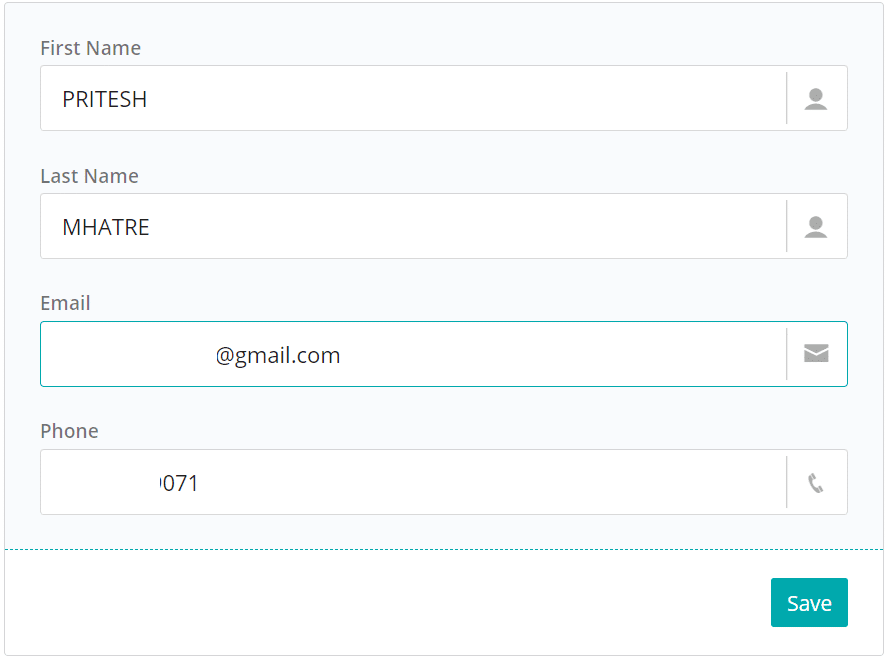
View your user profile and update your personal details.
Personal detailsView and edit
In short
The Profile page in AutoTrader Web shows your user profile. From here you can view and update your personal details.
What the Profile page does
The Profile page is part of the User menu — in the top-right corner, click your name (or the round icon showing the first letter of your name), then click Profile. It lets you:
- See your user profile.
- Edit your personal details.
Related pages
- User menu — all options under your user account.
- Account — your account details and settings.
- User interface guide — full AutoTrader Web walkthrough.
Next steps
Was this page helpful?
Thanks for the feedback. Still stuck? Contact support.
Last updated 14 July 2026
